



On this page you can find the English version of the letter with the PIN3 you received by mail.
We are pleased that you have decided to use a mojeID account. The last step separates you from the address verification – entering the PIN3 code.
What is it good for?
It increases your credibility at many websites and services, such as e-shops, portals aggregating micro services, discussion forums etc.
How to verify your address
1
Log in to your mojeID account with your username and password.
2
Click on the Settings tab on the top bar of your account.

3
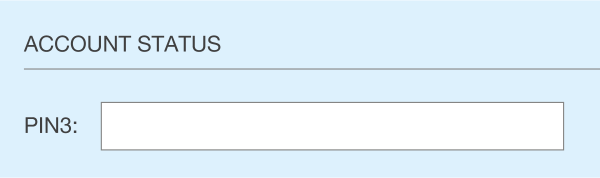
Click on the Settings tab on the top bar of your account. Enter the PIN3 code from the yellow field of the letter you received and confirm.

4
If you entered a correct PIN3 code, your account status will change to “fully active”.
Now you can enjoy all the benefits of a mojeID account.